
Dumbing down your smartphone, smarting up your dumbphone, and more: ADB for dummies
Strip the junk off a smartphone, or force-install essentials onto a basic flip phone. ADB can let you do all that and more - and you don't need to be a techie to use it.
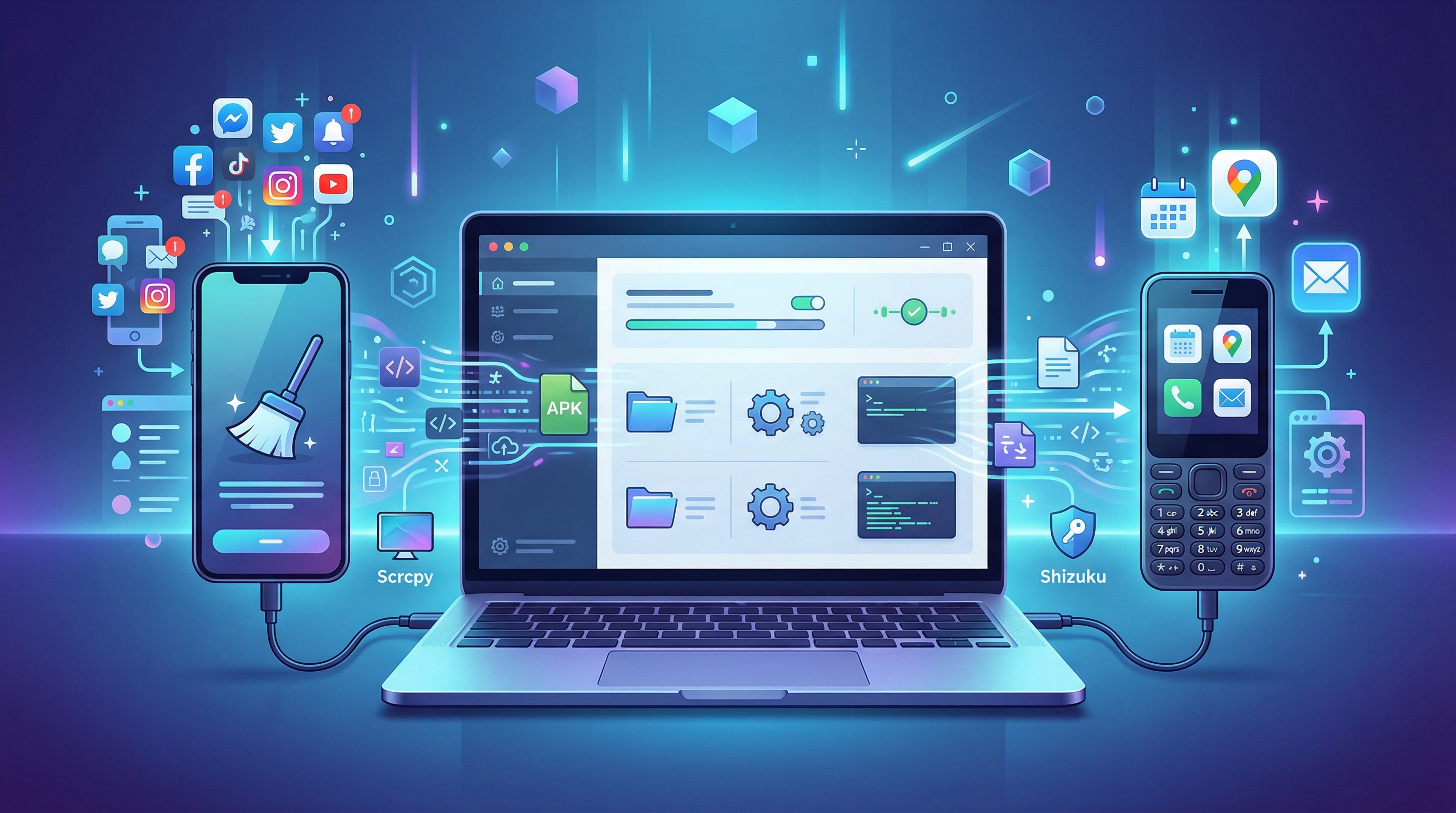
What is ADB?
ADB is a tool that you can use from your computer to do a lot things to Android phones that can’t be done from the phone itself.
With ADB, you can:
- Uninstall apps
- Install apps
- Manage app permissions
- Change phone settings
Often, ADB will let you do more than the phone itself lets.
You can use it to uninstall apps that came with the phone, install apps on some dumbphones that restrict installing APKs directly on the phone, and change phone settings and app permissions that you can’t set from the phone itself.
All this can be very useful for dumbing down devices, and extending the functionality of dumbphones.
Do I have to learn how to type up commands to use ADB?
While ADB is really a command line tool, there are a bunch of easy to use GUI apps that let you use a lot of ADB features without having to know any ADB commands.
See my article over here for some of the best ones.
The first time
Before you use ADB for the first time, you have to do some setup:
Drivers: If you’re unfortunate enough to be using Windows, then you’ll need to install drivers.
You can download a Universal ADB Drivers installer from here.
You’ll also need to enable USB debugging on the phone.
On most phones you can do that by going to Settings > About phone > Build number, and clicking or tapping on Build number quickly 7 times.
Then go to Settings > System > Advanced > Developer options > USB debugging and enabling USB debugging.
On some phones you might need to repeat that last step every time the phone restarts.
The first time you connect the phone to a computer to use ADB, you’ll get a popup on the phone asking you to authorize the connection with that computer.
On the TCL Flip 2, enable USB debugging by dialing *#*#33284#*#* (hint - 33284 is ‘debug’ on the phones keypad).

ADB in the browser
If you want to skip having to install ADB apps and drivers, you can use ADB in your browser.
Just go to app.tangoapp.dev or webadb.com, and you have full ADB in the browser!
Browser based ADB works in Chromium based browsers including Chrome, Edge, Vivaldi and Brave.
It doesn’t work in Firefox based browsers.


Scrcpy - screen mirroring
Scrcpy uses ADB to mirror your phones screen to your computer, and let’s you control it from you computer.
You can download it from here.
ADB Commands
If you do want to learn about using ADB the old fashioned way, here are some useful commands:
adb devices shows which devices are connected to the computer.
adb reboot restarts the phone.
adb reboot safe restarts the phone into safe mode. Can be helpful if you were tinkering and messed up.
Many commands start with adb shell.
PM is the package manager, which deals with apps.
adb shell pm list packages will list all installed apps.
adb shell pm list packages -3 lists all third party apps you installed.
adb shell pm install {path to APK on the phone} will install an APK that’s on your phone.
adb shell pm uninstall {package name} will uninstall an installed app.
adb shell pm uninstall --user 0 {package name} only uninstalls the app from the phones main user. This can be useful for uninstalling apps that can’t be completely removed removed from the phone, like apps that came with the phone.
adb shell pm disable-user {package name} will disable an installed app.
adb shell pm clear {package_name} will clear the apps data, resetting it completely. This can help if you’re having problems with an app that you didn’t have before.
adb shell am force-stop {package_name} will kill the app.
adb shell wm density {DPI} changes the screen density. Lowering the DPI can make apps designed for larger screens fit better on a small dumbphone screen by making everything appear smaller.
adb shell wm density reset resets the screen density to its default.
Shizuku
Shizuku is an Android app that allows apps to take advantage of ADBs superpowers, letting it do things that wouldn’t otherwise be possible.
There are many apps that use Shizuku, including debloaters, app managers, and app installers.
See this awesome list for a comprehensive collection of apps that use Shizuku.
ADB is basically a master key for your Android. Whether you’re stripping junk off a smartphone to make it dumb, forcing apps onto a flip phone, or just want to tweak your device, it gives you the control you need.
With all the GUI tools and browser apps available today, there’s no reason to be intimidated. Grab a cable, plug in your phone, and make your device work for you.


.Dl05Z0qY.jpg)