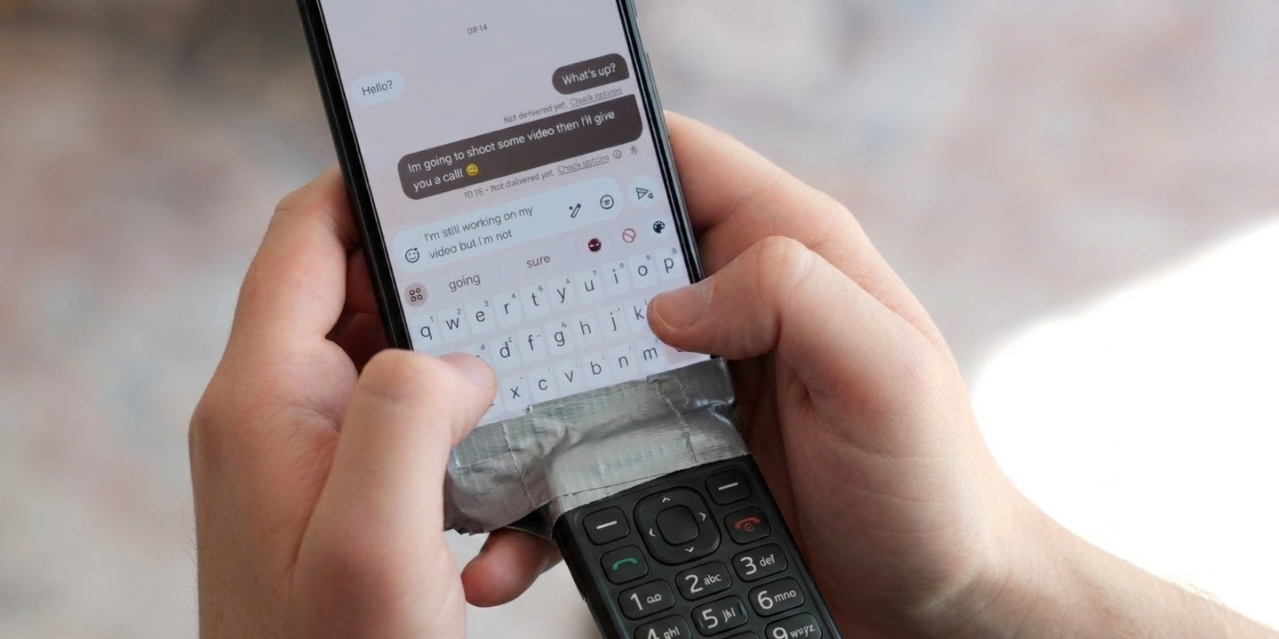
Google Play isn't as clean as you'd think, and these alternatives are better
When it comes to Android apps, the Play Store is king, but it has its drawbacks. Here's why you should avoid Google Play, and what to use instead.
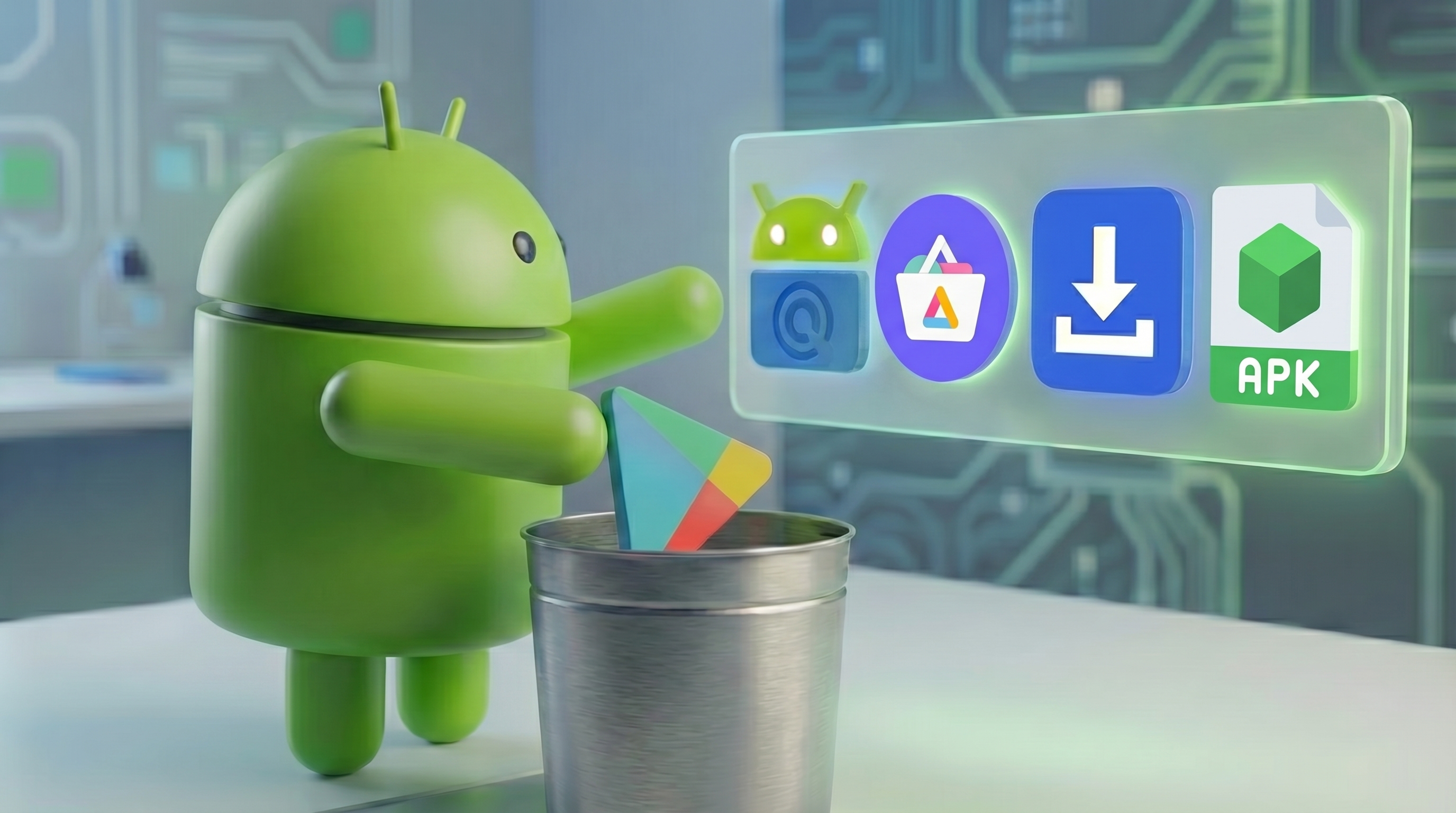
The Play Store’s darker side
While Google Play dominates app distribution on Android, and may appear convenient, it comes with several drawbacks.
It’s dependent on Google Play Services, which is extremely invasive, resource intensive, and isn’t available on all devices.
It imposes strict requirements on developers, making it not worthwhile for some hobbyist developers to publish their apps on Google Play.
Additionally, Google takes a steep 30% tax on all in-app purchases and subscriptions, reducing developer revenue and potentially making apps and services more expensive.
The following apps and sites are great alternatives to Google Play, offering better privacy, flexibility, and sometimes apps that aren’t available on the Play Store.
Google Play Clients
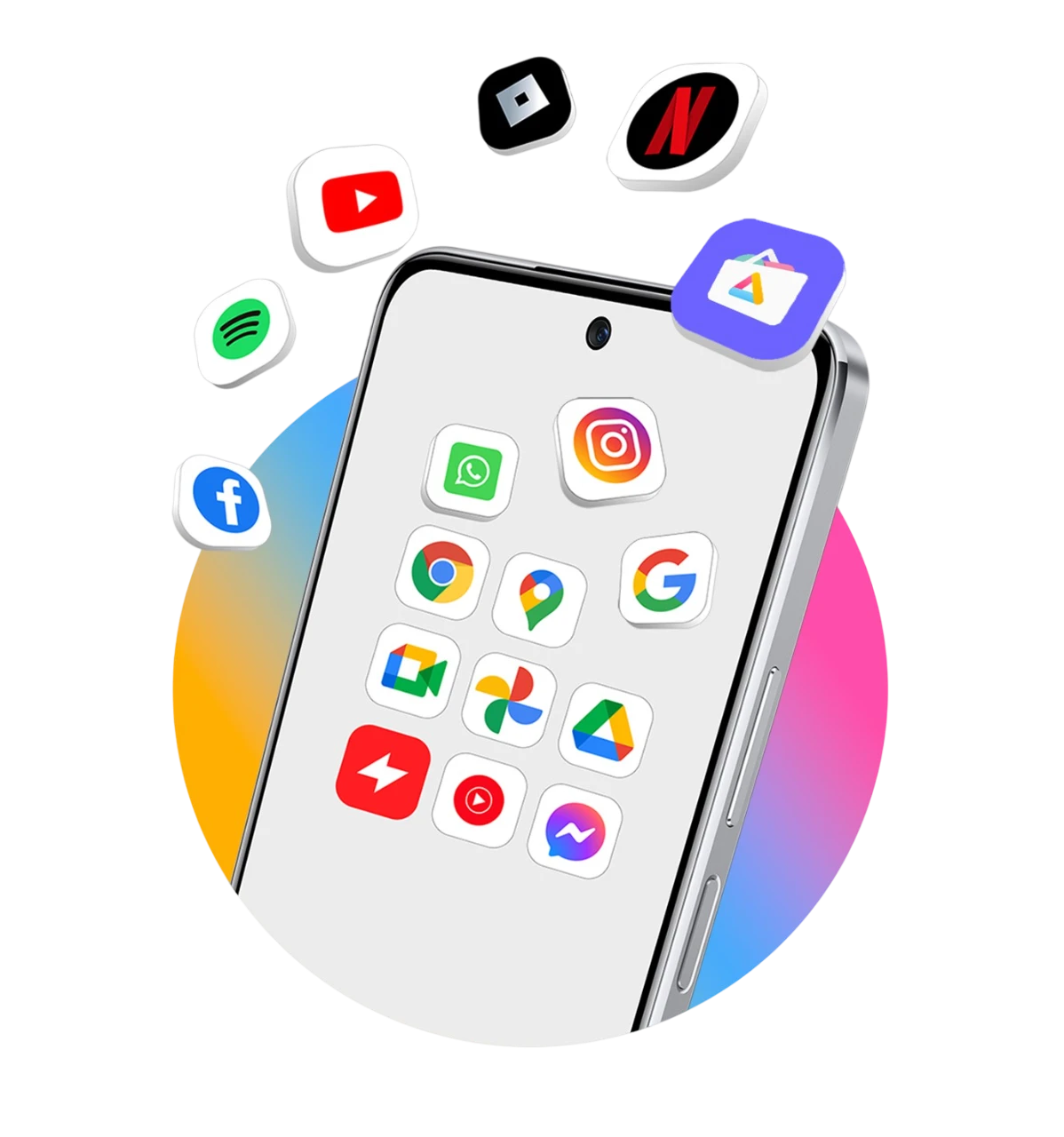
Aurora Store
Aurora Store is an open source, privacy-friendly app store that doesn’t have its own library of apps. Instead, it downloads them directly from Google’s servers, using reverse-engineered unofficial Google Play APIs.
It allows you to spoof your region and device model, allowing you to access apps that might not otherwise be available to you.
Aurora lets you install apps using Androids native installer, Shizuku, and root, and this fork also offers an option to install with Dhizuku.

GPlay APK Downloader
GPlay APK Downloader is a website that, similar to Aurora, downloads apps from Google’s servers. However, you don’t need to install a separate app store to use its service.
Instead, you just download the APK to your phone, and can install the app directly, without any store.
It also offers an option to install apps directly from the site to your device, using web ADB.
GPlay APK Downloader is the best option for downloading apps from Google Play without having to use an app store.
FOSS app repositories
F-Droid
F-Droid is a repository exclusively for open-source apps.
Ironically, since most of these apps are built by hobbyist and end-users, instead of companies chasing profits, these apps are often higher quality than what you’ll find on other app stores.
As all apps on F-Droid are open-source, it’s considered the most secure source of apps, so the risk of malware is very low.
You can access F-Droid apps via their website, their official app store, or through third-party clients like Droidify or Florid.


IzzyOnDroid
IzzyOnDroid is another repository of open-source apps, designed to integrate with standard F-Droid clients.
It has some differing philosophies than F-Droid, leading to it having a larger selection of apps than F-Droid.
It can be accessed in the same ways as F-Droid, through its website and F-Droid clients, and the Droidify F-Droid client comes with IzzyOnDroid enabled out of the box.

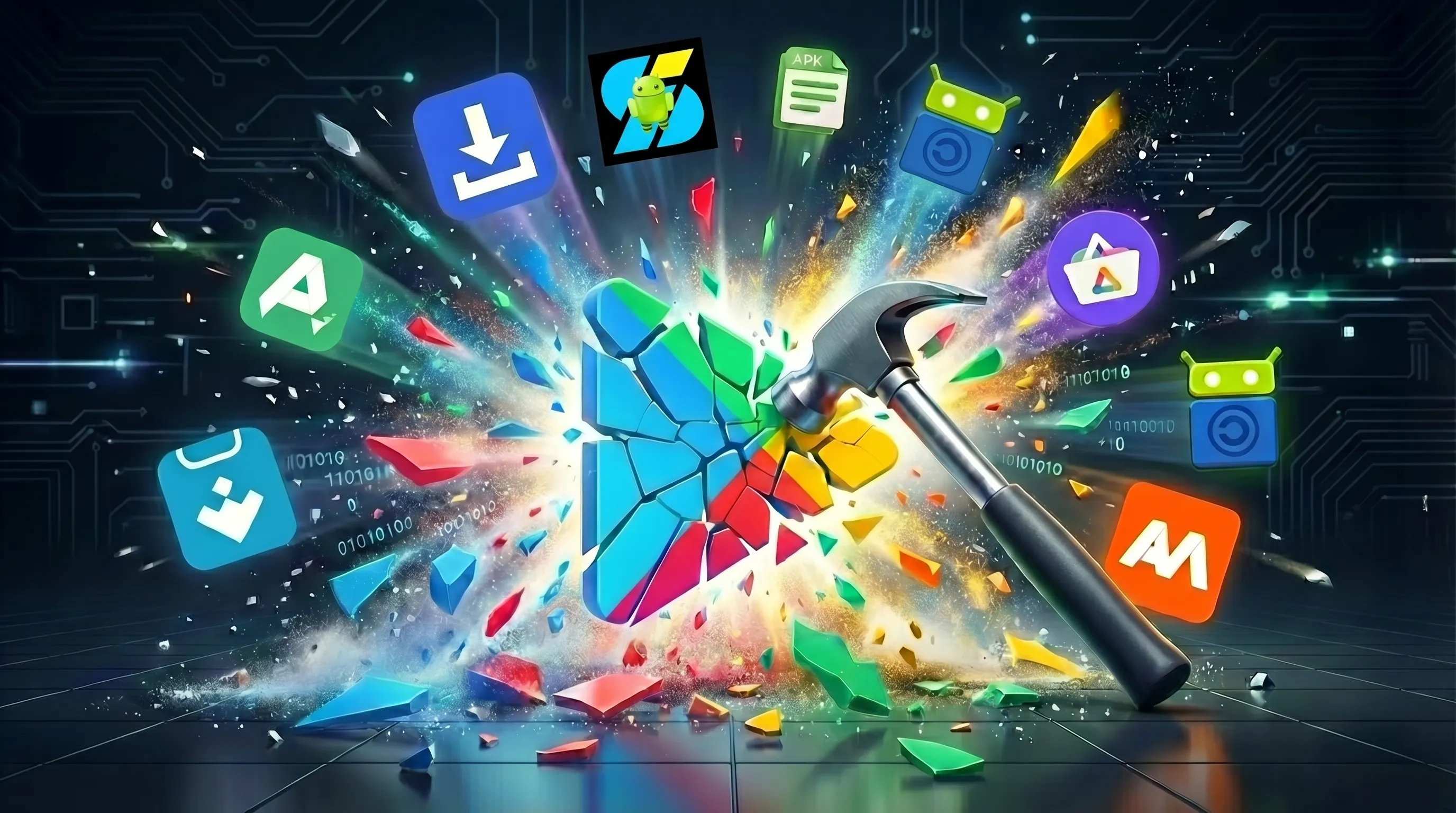
Sites that host apps themselves
APKMirror, Uptodown, and APKpure are the best sites to download proprietary apps from, that host apps the apps themselves.
The differences between these are security, curation, and the app store experience.
APKMirror
APKMirror is one of the most secure sites for downloading apps that are also available on Google Play.
They only host apps that are already available on Google Play, relying on the fact that Google vets apps before allowing them onto the Play Store.
They use signature verification to ensure that the APK they’re giving you is authentic and wasn’t tampered with.
Its downside is that it doesn’t have an app store to install apps directly to your phone.
You have to first download the APK from their website, and then manually install it.
Uptodown
Uptodown is another Google Play alternative with their own database of apps.
Unlike APKMirror, Uptodown also offers apps that aren’t available on Google Play, which means that you can get apps that weren’t vetted by Google, but they have their own security features to protect you from malware.
All apps are automatically scanned by VirusTotal, and the results are shown on the app’s page, letting you choose if you want to trust the app.
Like APKMirror, Uptodown enforces signature verification, so if an app is also available on Google Play, then what Uptodown is giving you is guaranteed to be authentic.
Uptodown has its own app store, allowing you to search for, install, and update apps directly with their app, making things a lot simpler than APKMirror.
APKPure
APKPure is the most popular website for downloading apps, but it isn’t necessarily the best.
While currently its security is pretty much on par with APKMirror and Uptodown, it has had incidents in the past, staining its reputation, even though they’ve significantly upped their security since then.
APKPure allows you to choose which regional variant of an app to install.
Its bots scrape Google Play aggressively, often being the first one to offer updates to apps from when they’re released.
It also is the only one to copy Google Play’s ability to follow and get news on apps that weren’t yet released.
They also keep the most archives of older versions of apps.
XAPK, APKM, APKS - What happened to the simple APK?
For over a decade, Android apps were built and installed as APK files.
Even if you got your apps from Google Play, the Play Store and Google Play’s servers were dealing with APK files. If you obtained apps from other sources, it was as simple as downloading an APK file and installing it from Android’s file manager. However, if you try to download APKs from websites now, you might notice that many apps aren’t available as APKs anymore.
Instead, you’ll be offered XAPKs, APKMs, APKS’s, and other formats.
The reason for that is that Google has changed how apps are built and delivered, moving from monolithic APKs to split APKs.
Previously, the entire app, including all its code designed for various processor architectures, screen sizes, and languages, would be bundled into a single APK file. This often meant the app took up significant space on your phone for components that your device didn’t need.
Now, with split APKs, device-specific components are generated as separate APKs, ensuring your phone only downloads the parts it needs.
While this is much more efficient, the standard APK file format cannot bundle multiple APKs. Google also didn’t provide a new file format for bundling multiple APKs, leaving us without a native way to distribute split APKs outside of the Play Store.
A bunch of different vendors each tried solving this, leaving us with a bunch of new formats.
XAPK, created by APKPure, is the most popular, but APKS is also popular and widely supported.
Since Android doesn’t natively support these formats, you’ll need to use a dedicated installer app.
There are a bunch of great FOSS ones, including InstallerX Revived, Package Manager, Package Installer, and Split App Installer.
Armv8, armv7, and x86 builds
Some developers, instead of distributing apps as split APK formats that aren’t natively supported, choose to just build multiple APKs for each device type.
The most important thing to focus on is processor architecture.
You might see APKs for armv8, sometimes referred to as x64, and for armv7, and x86.
Most modern Android devices are armv8.
Older devices and Android dumbphones might be armv7.
x86 builds are for Chromebooks with AMD/Intel processors, and Android emulators on PCs.
Whether you’re daily-driving a dumbphone that doesn’t support Play Services, keeping your smartphone degoogled for privacy, or you just prefer sideloading raw APKs without being tied to an app store, you have plenty of options.
You don’t need Google’s official store to get the apps you need. With a little bit of know-how and the right tools, you can forget about the Play Store entirely and set up your device exactly the way you want it.

.Dl05Z0qY.jpg)